

I’ll hold my hands up – it’s not something I like to admit as a travel blogger, but the truth is: even though Dave and I weren’t totally clueless about travel money, we were very lazy. We knew our bank cards charged fees abroad, yet out of habit we’d still tap away and use whichever cash machine was nearest, rather than taking the time to look into a travel card. (My real low point came 30 years ago as a student in Innsbruck, which I’ve shared in my money abroad tips.)
Then my daughter Cerys, who’s far more switched on with money than I am, asked me how much I’d paid in fees on our last trip. I didn’t know. She sat me down, showed me what my bank was quietly taking every time I tapped or withdrew abroad, and teased me until I’d signed up to Wise, which benefited her because I used her referral link (told you she was cash savvy)!
She was right, of course. In this Wise card review I’ll explain what Wise is, what I was losing with my old bank card, the benefits we’ve noticed since switching, and a few honest things to know before you sign up.
This post contains affiliate links. If you sign up through them, I may earn a small commission at no extra cost to you. I only recommend things Dave and I use ourselves, and we use Wise on every trip.
What Is Wise and How Does The Wise Card Work?
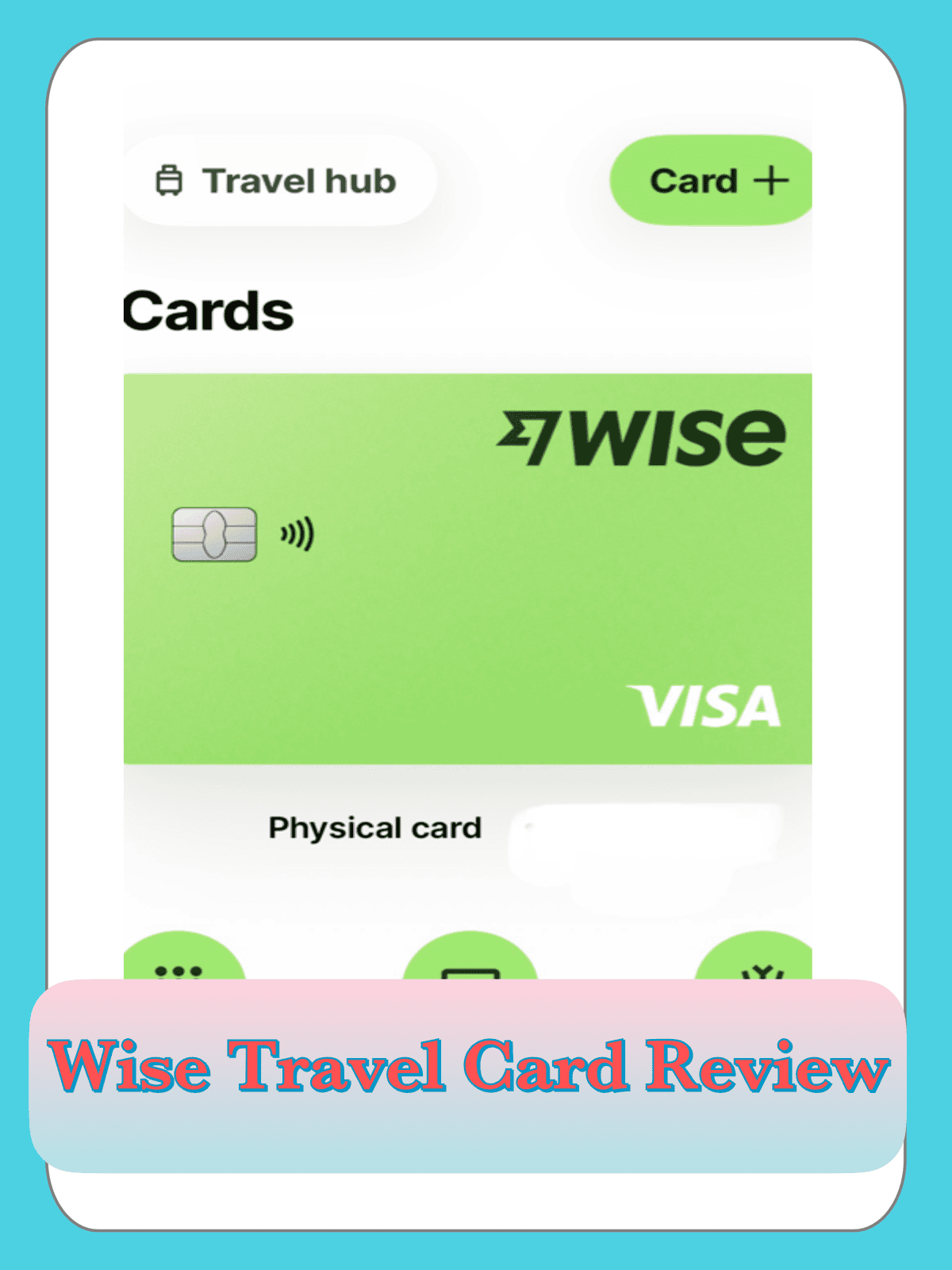
Wise is a money app with a debit card attached, built for spending and moving money across currencies. You open a free account, top it up from your normal bank, and spend with a Wise card anywhere that takes Visa, in around 150 countries.
The clever bit is the account itself. You can hold more than 40 currencies side by side, so you can convert pounds to euros before a trip, or simply let the card convert automatically at the till. Either way, Wise uses the mid-market exchange rate, the one you see when you Google it, and shows its fee upfront.
You get a digital card the moment you sign up, which works straight away with Apple Pay or Google Pay. The physical card costs a one-off £7 to order, with no monthly subscription after that (Wise pricing).
What I Was Losing With My Normal Bank Card
When Cerys went through my statement with me, the fees weren’t dramatic on their own, which is exactly why I’d never noticed them. They were small amounts tucked into almost every transaction, and over a fortnight’s holiday they added up to a meal out or two.
Many UK high-street debit cards charge some combination of these when you use them abroad:
- A non-sterling transaction fee, often around 3% of everything you spend, every coffee, every bus ticket.
- A cash withdrawal fee on top of that each time you use a foreign ATM.
- An exchange rate set by the card network or bank, rather than the rate you’d see online.
- Dynamic currency conversion, when the card machine or ATM offers to charge you in pounds. It feels helpful, but it lets the machine’s operator pick the rate, and it’s rarely a good one.
Not every bank charges all of these, so it’s worth pulling up your own last holiday statement. Mine wasn’t nearly as bad as some can be.

The Benefits of The Wise Card For Travellers
You get the real exchange rate
This is the big one. Wise converts at the mid-market rate and shows you its fee before you confirm, so there’s no guessing what a holiday dinner actually cost. Wise says its card can save up to 75% on fees compared with banks abroad, based on its own comparison research (Wise).
Free cash withdrawals every month
UK Wise cards come with free ATM withdrawals up to £250 a month. Above that, Wise charges 2.69% on the amount over the allowance, and some ATM operators add their own fee (Wise). For the way we travel, mostly paying by card with a bit of cash for markets and tips, we rarely go over.
Tip: We have separate Wise accounts so we get free ATM withdrawals up to £500 combined.
Hold over 40 currencies at once
This is where Wise wins over other providers – Wise holds over 40 currencies at once. You can top up a euro balance at home before a trip, so you know exactly what you’ve got to spend and aren’t at the mercy of the rate on the day. If you head somewhere you haven’t loaded currency for, the card simply converts from your pounds automatically.
Pay by phone from day one
The digital card is ready as soon as you sign up, so you can add it to Apple Pay or Google Pay before your physical card even arrives. Handy if you’ve left it a bit late.
Easy to stay in control
You can freeze and unfreeze the card in the app, set spending limits, and get an instant notification every time you pay. If a card goes missing on holiday, that peace of mind is worth a lot.
It works for families too
Wise offers a Young Explorer card for 6 to 17 year olds, linked to a parent’s account, which is a lovely way to let older kids manage their own holiday spending money (Wise).
Wise Vs NatWest Vs Amex: What Each Card Costs Abroad
Before Wise, I’d use my NatWest Select debit card for cash and my Amex for bigger purchases. Here’s how they compare to Wise when you’re spending in a foreign currency.
| Card | Card spending abroad | Cash from ATMs abroad |
| Wise | Mid-market rate plus a small fee shown upfront | Free up to £250 a month, then 2.69% on the excess |
| NatWest Select | 2.75% non-sterling transaction fee | 2.75% non-sterling transaction fee |
| Amex | 2.99% non-sterling transaction fee | 2.99% plus a cash fee of 3% or £3, whichever is higher |
On £500 of holiday spending, that’s roughly £13.75 in fees on my NatWest card and £14.95 on my Amex, before you even get to cash. Amex also converts euros into US dollars first and then into pounds (Amex), and taking cash out on a credit card usually means paying interest from day one.
That doesn’t mean my Amex stays at home. It’s still useful as a backup, for car hire and hotel deposits, and for earning points on bigger bookings, and Amex credit cards give you Section 75 protection on purchases over £100. Some premium NatWest and Amex cards also waive foreign fees, so check the terms on yours. But for everyday spending and cash abroad, Wise is now the card I reach for first.
How We Use Wise On Our Trips: Practical Tips
The first trip I used Wise was in Menorca, when I got back I noticed I’d only been charged 0.40 Euros for withdrawing 100 Euros. If I’d been using my Natwest card, it would have cost me 2.75 Euros. It may seem like a small amount but it all adds up.
- Always pay in the local currency. When a card machine or ATM asks “pounds or euros?”, choose euros (or whatever the local currency is) and let Wise do the conversion.
- Use bank-branded ATMs where you can. Independent machines in tourist hotspots are more likely to add their own charges, and Wise can’t stop those.
- Take out fewer, larger amounts. Your free allowance is a monthly total, and failed withdrawal attempts can count towards it too (Wise help).
- Check your allowance in the app. Under Card, then Limits, you can see how much free cash you’ve got left and when it resets.
- Order the physical card early. Standard delivery takes a little while, so don’t leave it until the week you fly.
- Carry a backup card. We never travel with just one way to pay, and a Wise card makes a great partner to a credit card.
The Honest Bits: What to Know Before You Sign Up
Wise isn’t perfect, and I’d rather you knew the catches up front.
- It isn’t a bank. Wise is an e-money institution, so your balance isn’t covered by the FSCS. Instead, Wise safeguards customer money in line with its regulatory rules (Wise). It makes sense to top up only what you need for each trip.
- The physical card isn’t free. There’s a one-off £7 fee to order it.
- Heavy cash users will pay. Once you’re over the £250 monthly allowance, the 2.69% fee applies, so if you’re somewhere very cash-based you’ll want to plan around that.
- Car hire and hotel deposits. Some rental desks and hotels prefer a credit card for deposits, so pack one alongside your Wise card.
- ATM operators can still charge. Wise’s free allowance covers Wise’s fees, not the machine owner’s.
How to Get a Wise Card
Signing up took me less time than it took Cerys to finish telling me off.
- Sign up through my Wise link You’ll need some ID to verify your account.
- Add your digital card to Apple Pay or Google Pay so you can start spending straight away.
- Order your physical card for the one-off £7 fee.
- Top up from your bank account and, if you like, convert some pounds into the currency you’ll need.
Get your Wise card here and you’ll be sorted well before your next trip.
Wise card FAQs
Is the Wise card free?
The account and digital card are free, with no monthly fee. The physical card has a one-off £7 order fee.
How much can I withdraw from an ATM for free with Wise?
UK cardholders can withdraw up to £250 a month without Wise fees. After that, a 2.69% fee applies to the amount over the allowance (Wise).
Is Wise safe to use abroad?
Wise is authorised by the Financial Conduct Authority as an electronic money institution. You can freeze your card instantly in the app and get notified of every payment, but your balance isn’t FSCS protected like a bank account.
Can I use Wise in Europe?
Yes. The card works anywhere Visa is accepted, and you can hold euros in your account so you spend without converting at the till.
Should I pay in pounds or local currency with Wise?
Always local currency. Choosing pounds lets the card machine or ATM set the exchange rate, which costs you more.
Can kids have a Wise card?
Yes. The Young Explorer card is for 6 to 17 year olds and is managed from a parent’s Wise account.
Final Thoughts: Was My Daughter Right?
Annoyingly, yes. I’d spent years assuming travel money cards were fiddly and not worth the effort, when in reality it took a few minutes to set up and now quietly saves us money on every trip. I still don’t enjoy admitting Cerys was right, but I’d much rather spend those savings on an extra gelato than hand them to my bank.
If you’re as guilty as I was of just using your normal card abroad, this is your sign. Sign up for Wise here and get it sorted before your next trip.
Fees and allowances correct at the time of writing. Check the latest on the Wise pricing page before you travel.
How to Spend and Withdraw Money Abroad Without Losing It to Fees
Leave a Reply